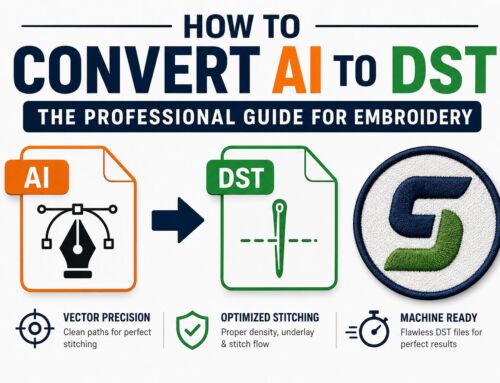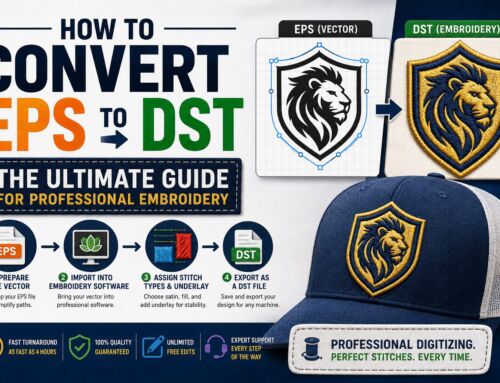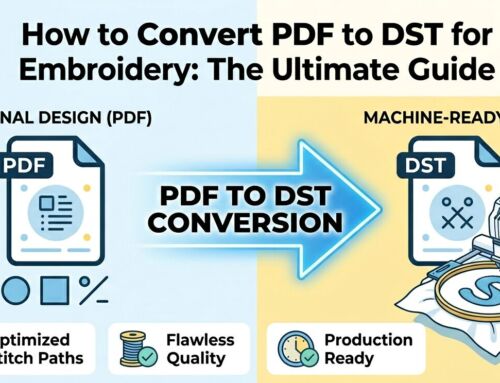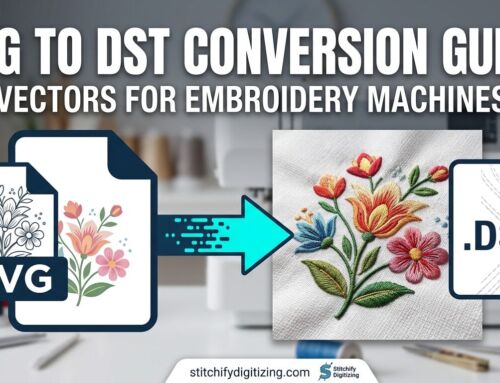
Wondering why commercial embroidery machines and professional digitizers prioritize the DST file? There is a good reason for it. DST embroidery files are the undisputed industry standard, acting as the digital blueprints that translate your creative vision into stunning, high-quality embroidered apparel.
Whether you are a seasoned apparel brand or just getting started with custom patches and logos, understanding the DST file format is pivotal to realizing your creativity with maximum precision.
Universal Access
Compatible with Tajima, Barudan, Brother, and all major commercial embroidery machines worldwide.
High Precision
Contains exact X/Y coordinates for every needle penetration, ensuring retail-ready stitch quality.
Machine Ready
Optimized with automated trim and jump commands to minimize production downtime.
What Is a DST File?
The DST file, short for “Data Stitch Tajima,” is the principal format in the embroidery industry. It was developed by Tajima, a pioneering embroidery machine manufacturer. Acting as digital blueprints for embroidery, these files contain detailed instructions, including coordinates, codes, and commands.
These commands dictate the precise movements of the needle, thread selection, and stitch formation, ultimately resulting in intricate patterns stitched onto fabrics.
Understanding the Technical DNA of Your Design
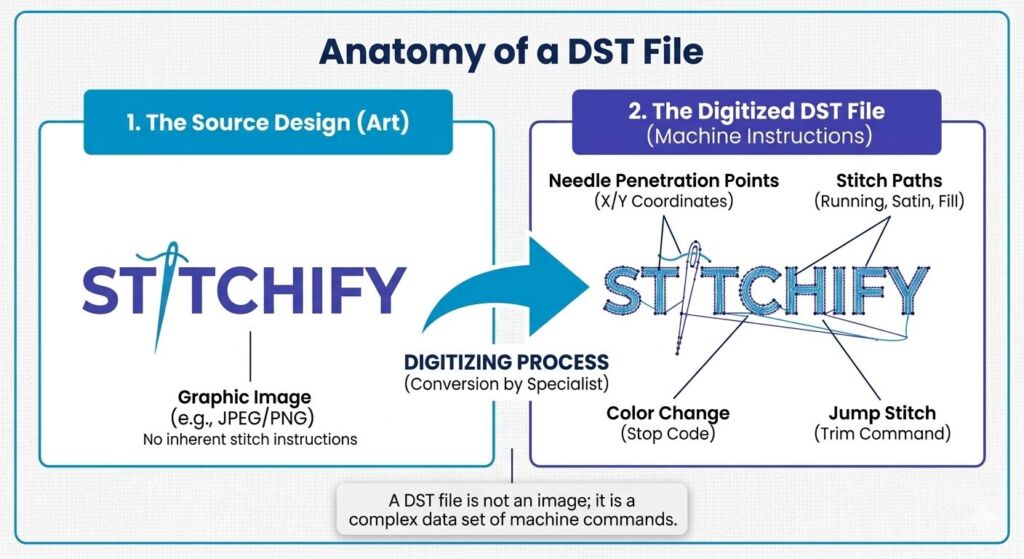
To the naked eye, an embroidery design looks like a simple image. However, the DST format translates that image into thousands of mathematical instructions. Below is a look at the “Anatomy” of a DST file—showing how a standard graphic is transformed into a complex network of stitch points, paths, and machine commands.
What Is the Advantage of Using DST Files?
DST embroidery files are the industry standard for their precision, versatility, and ability to streamline production. They ensure intricate designs are replicated with stunning accuracy, achieving professional-looking results that exceed your expectations.
Key Technical Insights:
- Stitch Coordinates: Precise digital mapping of every needle movement.
- Color Change Commands: Automatic stop codes that tell the machine when to switch threads.
- Jump & Trim Instructions: Moves the hoop without stitching to keep the design clean.
How to Get a DST File?
There are several ways to obtain a DST embroidery design file. You can buy ready-made DST files from various websites or hire a professional embroidery designer to create a custom file for you.
Choosing the Right Method:
| Feature | Stock DST Marketplaces | Stitchify Custom Digitizing Best Results |
|---|---|---|
| Best For | Hobbyist & Clip-art Designs | Logos, Patches & Professional Branding |
| Exclusivity | Shared with Thousands | 100% Unique to Your Design |
| Stitch Quality | Variable / Auto-generated | Manual Pathing & Fabric Optimization |
| Turnaround | Instant Download | Fast 12-24 Hour Delivery |
| How to Start | Requires manual search & vetting of sellers | Get My Free Quote |
Before purchasing DST files, ensure they adhere to professional embroidery specifications to guarantee seamless compatibility and high-quality results.
Free Resources for Your DST Files
Once you have your file, you need to inspect it. Since DST files are not standard image formats, you cannot open them in a regular photo viewer.
Inspect Designs Instantly
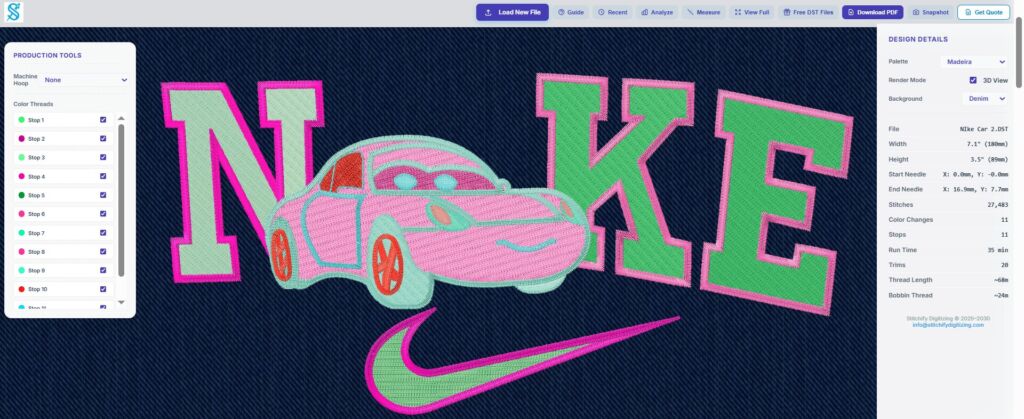
Experience the future of embroidery file inspection with the Stitchify Free Online DST Viewer. Designed for professional digitizers, machine operators, and apparel brands, this powerful tool lets you open, analyze, and interact with Tajima (.DST) files instantly in your web browser.
Professional Visualization without the Price Tag
You don’t need to own $2,000 digitizing software like Wilcom to see what’s inside your file. A professional viewer allows you to see the “stitch run”—the actual sequence in which the machine will sew your design. This helps you spot potential issues like “bird-nesting” or poor density before you waste expensive thread and fabric.
Inspect Your DST Files Now
Don't risk a thread break. Use our free tool to verify your design before you stitch.
Open Free DST ViewerFAQs about DST Files
Conclusion
DST files empower machines to stitch intricate designs with precision. Their versatility, efficiency, and wide compatibility make them a favorite among embroidery enthusiasts. Whether crafting custom designs or utilizing ready-made ones, DST files are the key to unlocking embroidery’s creative potential.