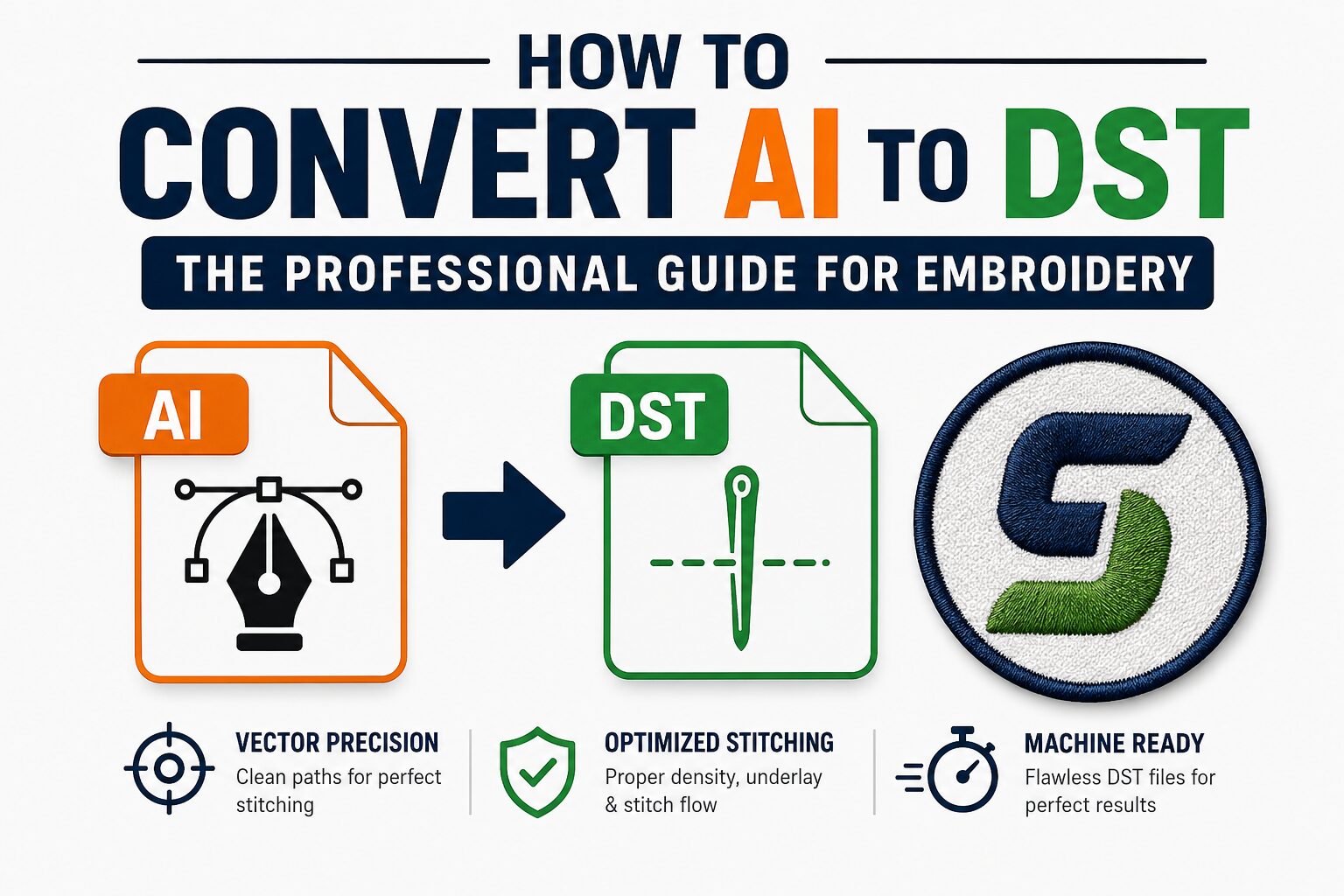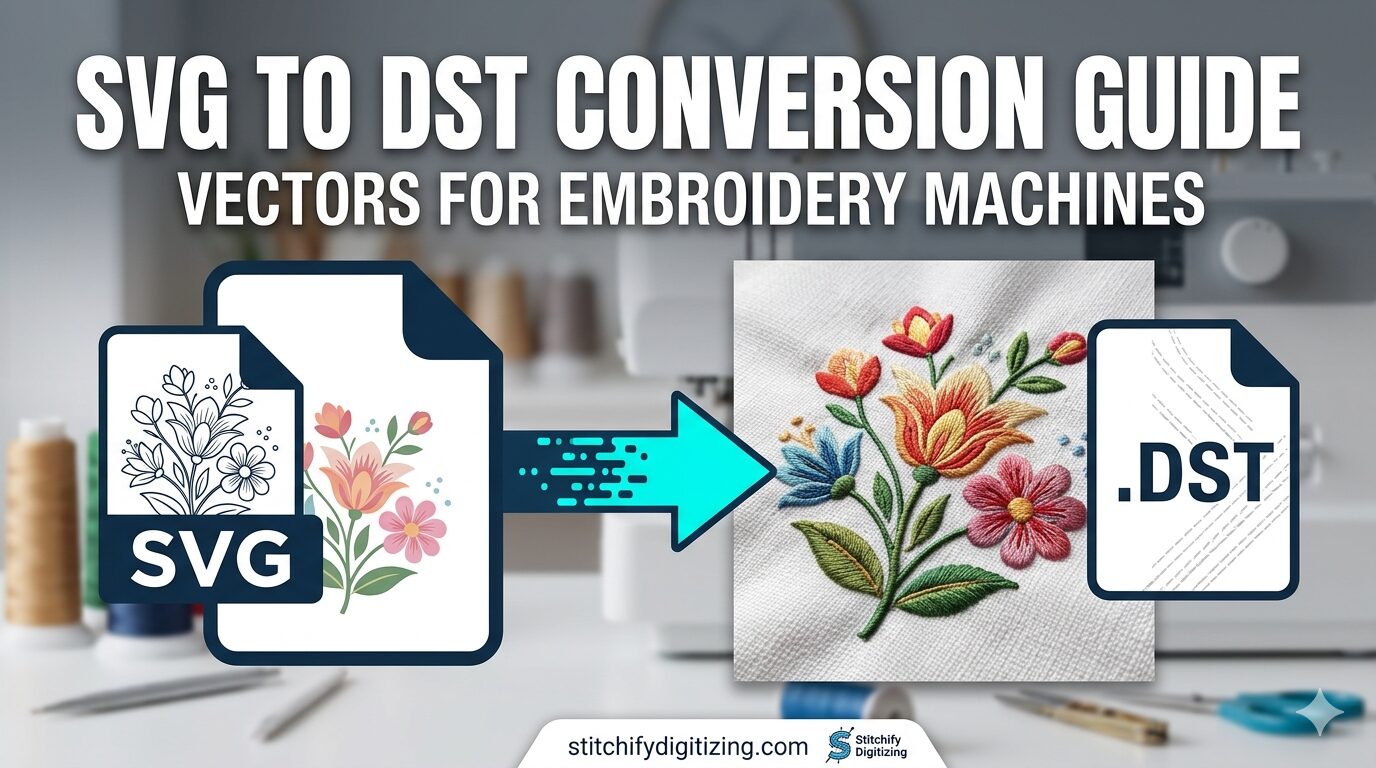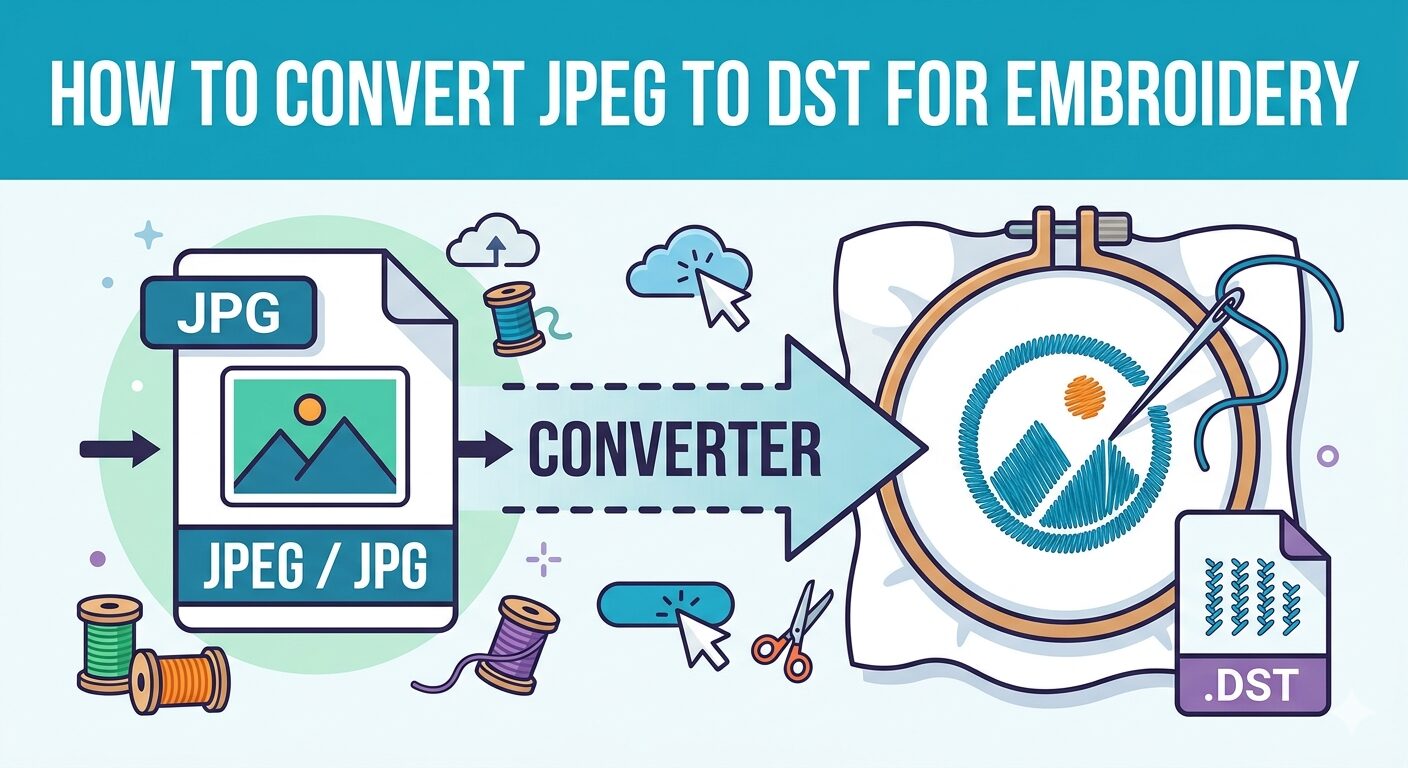
Whether you are an apparel brand owner, a promotional products distributor, or a hobbyist, receiving a logo in PDF format is incredibly common. However, commercial embroidery machines cannot read PDFs. To stitch that design onto a hat, jacket, or polo, you need to convert the PDF to a DST file.
With over a decade of experience in the embroidery digitizing industry, the team at Stitchify Digitizing knows exactly what it takes to turn a flat document into a production-ready masterpiece. In this guide, we will break down the exact process of PDF to DST conversion, explain why automatic converters often fail, and show you how to get machine-ready files every time.
What Does “PDF to DST Conversion” Actually Mean?
A PDF (Portable Document Format) is designed for viewing and printing flat documents or vector graphics. It contains pixels or flat lines.
A DST file is entirely different. It is a specialized, machine-readable language created by Tajima that tells an embroidery machine exactly where the needle should drop, when to trim the thread, and when to jump to the next section. You can learn more about the technical details in our complete guide: What is a DST File? The Complete Guide to DST Embroidery Files.
Converting a PDF to DST is not a simple “Save As” function. It requires embroidery digitizing—the art and science of mapping out a digital path for the physical needle and thread.
Can You Use a PDF to DST Converter Online for Free?
If you search for a “convert PDF to DST file online free” tool, you will find several automated software options. While these programs might work for a very basic, single-color geometric shape, they almost always fail for commercial-quality logos.
Here is why automatic PDF to DST converters fall short:
No Push and Pull Compensation: Fabric shifts during embroidery. Automated tools do not account for this, resulting in distorted shapes and gaps.
Improper Underlay: Software cannot guess the fabric type. Without manual underlay stitching, the design will sink into materials like fleece or pucker on thin cotton.
Unnecessary Thread Trims: Auto-converters often generate jagged stitch paths, leading to excessive machine stops, thread breaks, and a messy final product.
For professional results, manual digitizing by an expert using premium software is always required.
The Step-by-Step Process to Convert a PDF to a DST File
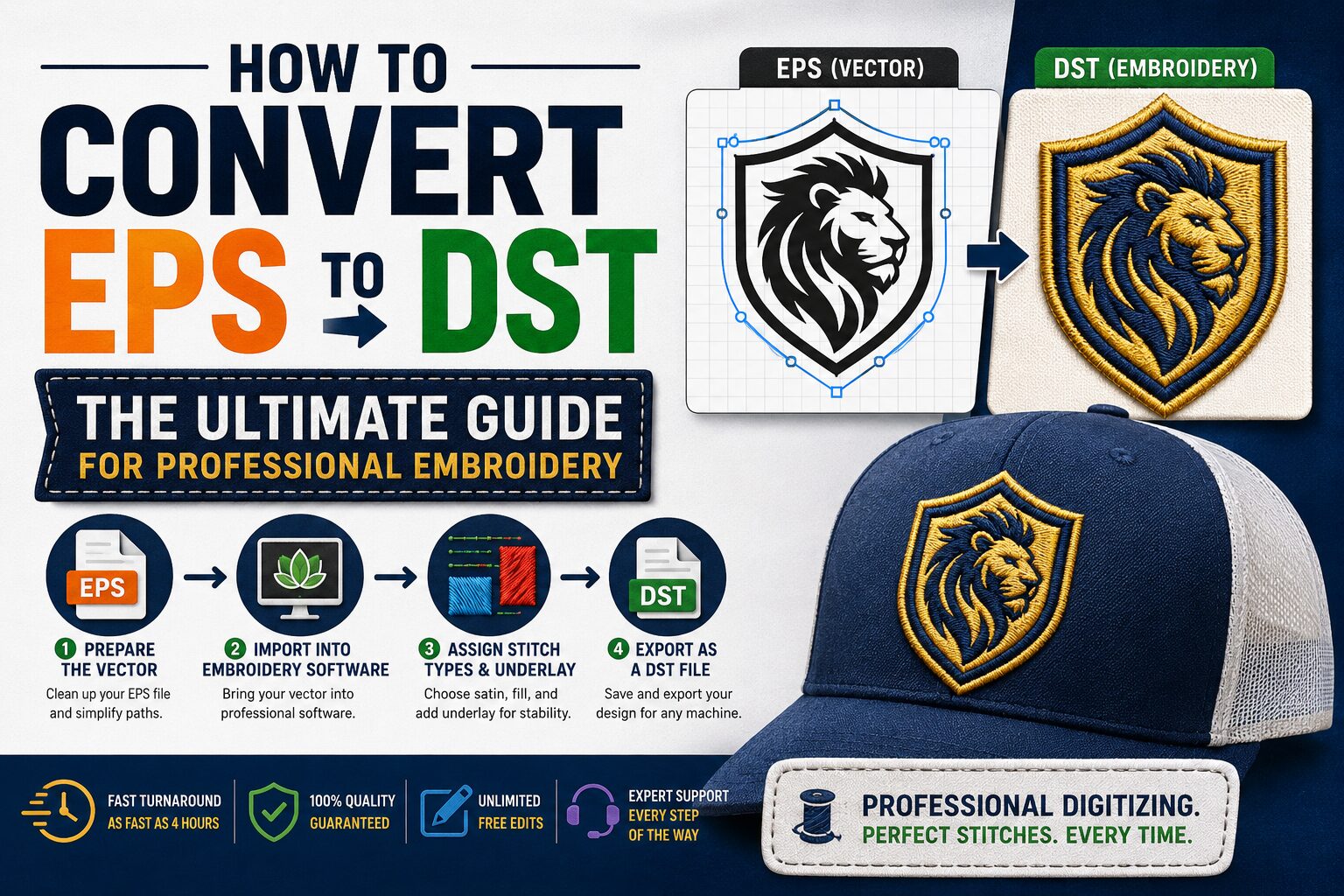
Professional digitizers use specialized programs to translate your PDF into a high-quality embroidery file. Here is the step-by-step process:
Step 1: Import and Analyze the PDF
The first step is bringing the PDF into digitizing software (like Wilcom or Pulse). The digitizer analyzes the design for complex gradients, tiny text, and overlapping elements to determine the best approach for the needle path.
Step 2: Pathing and Assigning Stitch Types
The digitizer manually traces the design, applying the correct stitch types to different elements:
Satin Stitches: Used for crisp lettering and borders.
Fill (Tatami) Stitches: Used to cover large areas of color.
Run Stitches: Used for fine details and outlines.
Step 3: Setting Colors and Machine Commands
Once the structure is built, the digitizer maps the colors and adds machine commands like trims and tie-offs. If you are curious about how color sequencing works in this format, check out our guide on How to Change DST Colors Step-by-Step.
Step 4: Export and Inspect the DST File
After optimizing the design for maximum machine efficiency, the file is exported as a .dst. Before sending it to the machine, it is crucial to inspect the stitch file.
You can instantly check the quality of your newly converted files using our browser-based tools:
Need a Brother format instead? Try the Stitchify Free Online PES File Viewer.
Always simulate before you stitch
Never trust a digitized file blindly. Run your .DST file through a virtual stitch simulator before loading it on the machine — this catches jump stitches and overlapping thread clusters that could snap needles mid-run.
Other Image to Embroidery Conversions
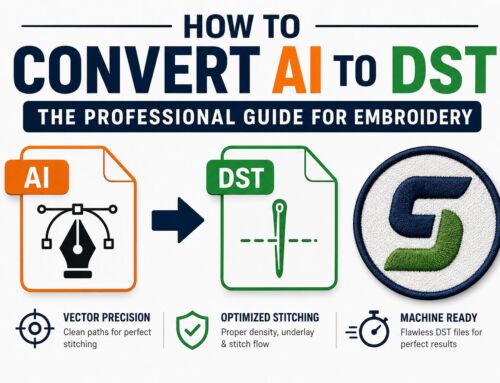
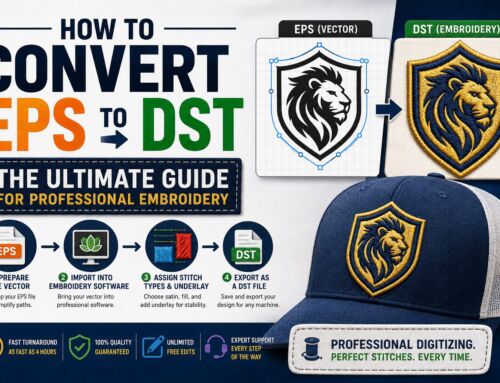
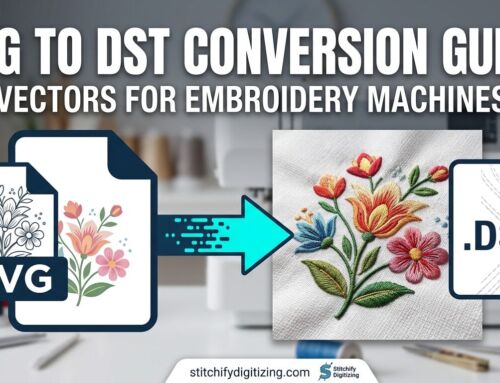
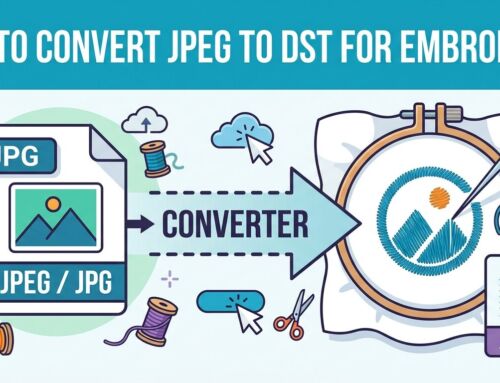
Customers don’t always send PDFs. If you are dealing with other graphic formats, the core digitizing process remains the same. Check out our specific guides for handling different file types:
Frequently Asked Questions (FAQs)
Get Professional PDF to DST Embroidery Conversion
Don’t risk ruined garments or broken needles using a free online PDF to DST converter. Let the experts handle the heavy lifting.
At Stitchify Digitizing, we manually convert your PDFs into perfectly optimized, machine-ready DST files with rapid turnaround times. We ensure every stitch is mapped for efficiency, durability, and visual perfection.
Ready to start?
Get a custom quote here: Embroidery Digitizing Quotation Form
Or email us your PDF directly at: info@stitchifydigitizing.com